
No Need to Install Another App: Why Voice-to-Text Inside LINE Is Enough
Whether a voice-to-text tool sticks depends not just on recognition quality but on how long the workflow is: opening an app, registering, exporting and uploading — every extra step raises the barrier. Putting transcription inside LINE, the app you already use all day, removes those steps. This article compares the two workflows, explains when a dedicated tool is still the right choice, and walks through the full flow and cost of transcribing inside LINE.
Read more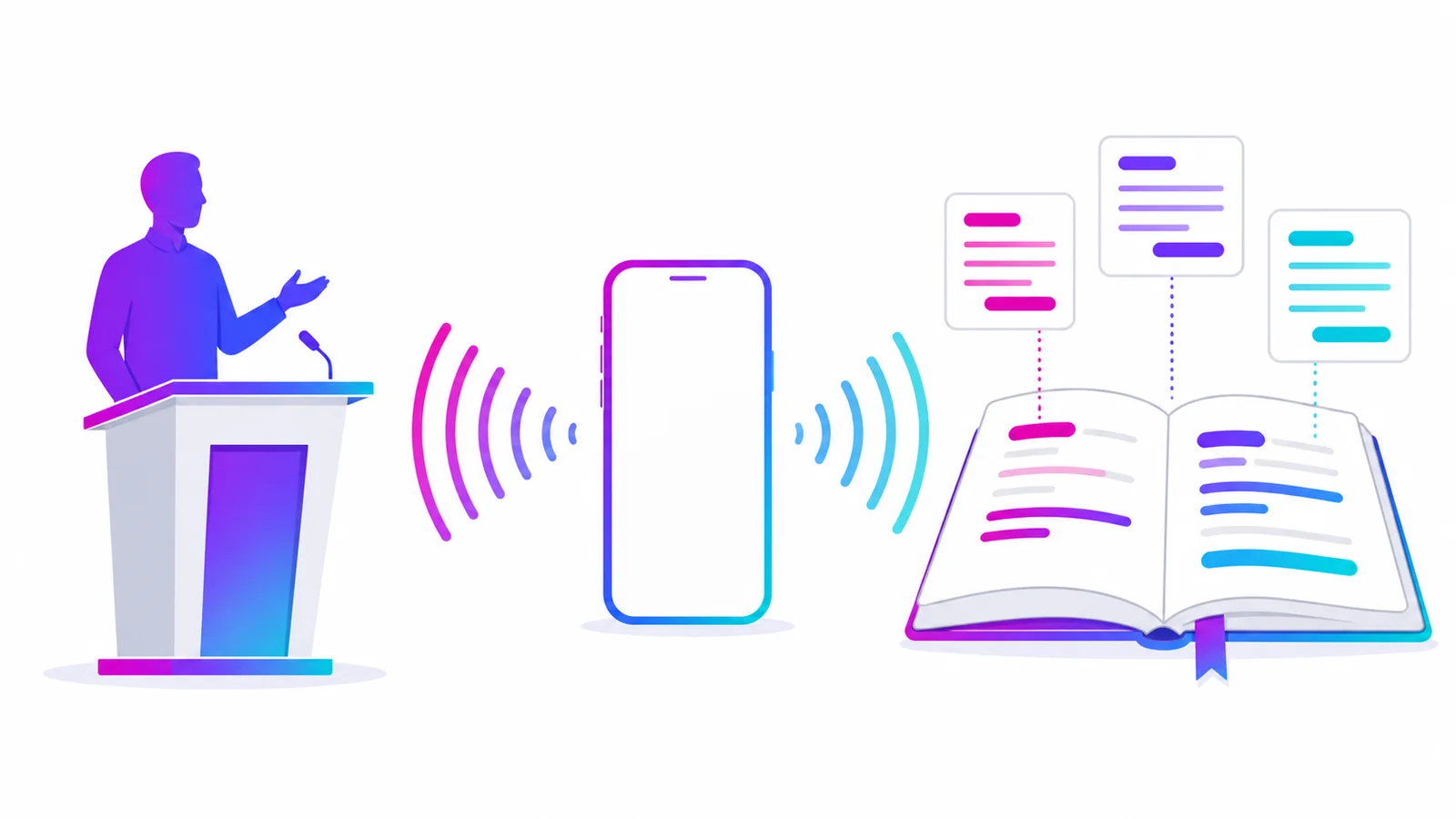
Class Notes with LINE: Record the Whole Lecture, Review Only the Key Points
Taking class notes with LINE works like this: record the lecture, then after class send the audio to the AIMochi official account — it returns a transcript with a summary, and you can ask the note questions directly afterwards. This article covers the hidden cost of transcribing by hand, the exact steps, how to use the notes when revising, and how many lectures the monthly free quota supports.
Read more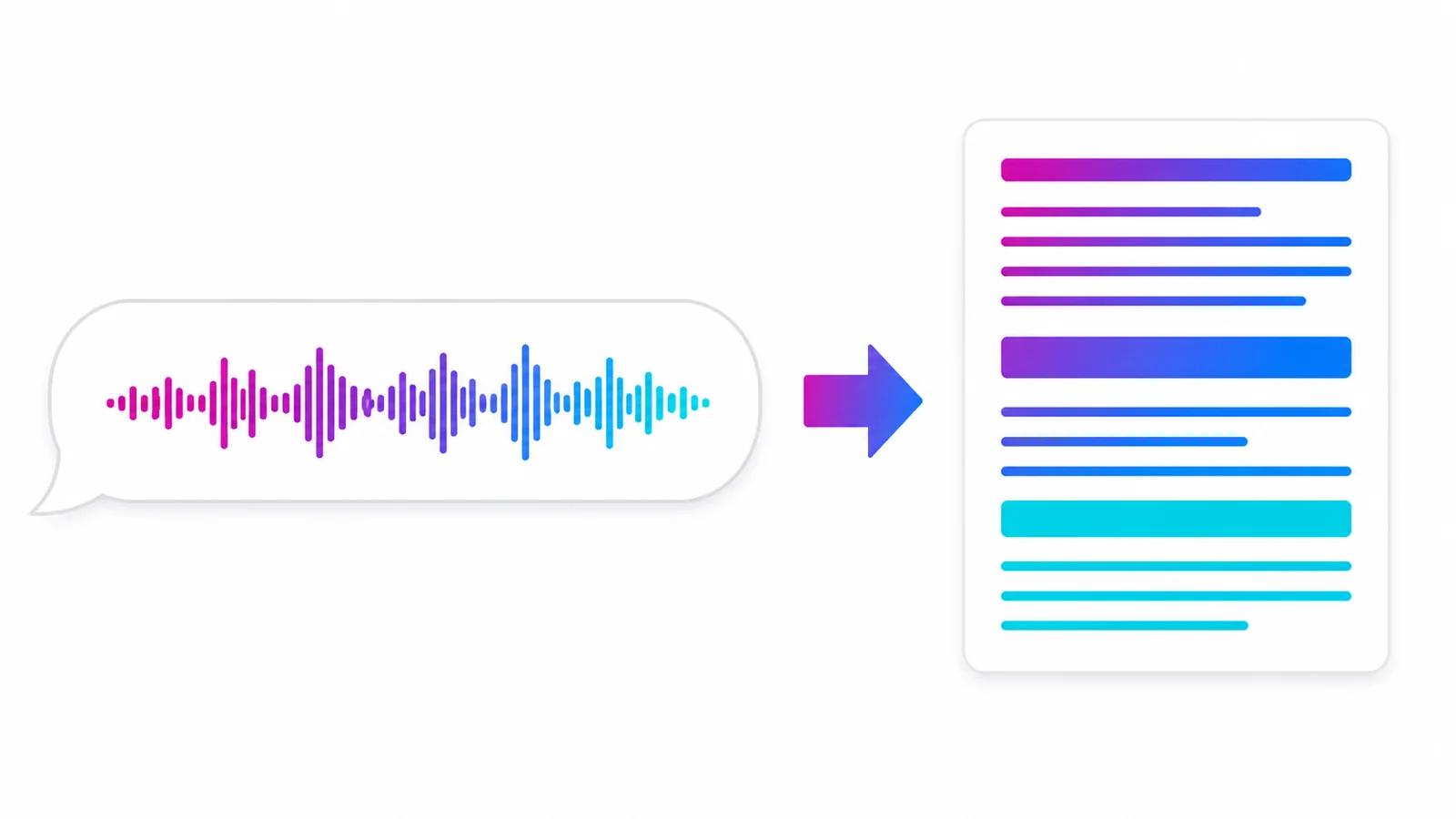
LINE Voice Messages Too Long to Listen To? The Fastest Way to Read Them as Text
When a LINE voice message is too long or too muffled to sit through, the fastest fix is to forward it to the AIMochi official account: the audio comes back as readable, searchable text, and you can generate a summary on top. This article explains why voice messages are hard to deal with, the exact steps to convert them, what to do in meetings or noisy environments, and roughly how many points each message costs.
Read more
How to Keep Records of LINE Group Meetings: Turn Group Voice Chats into Transcripts and To-Dos
The easiest way to keep a record of a LINE group meeting is to forward the group's voice messages or the meeting recording to the AIMochi official account: the language is detected automatically, up to 10 speakers are labelled, and you get a transcript that can then be turned into minutes and a to-do list. This article covers the three common pain points of group meeting records, the actual steps, what it costs in points, and two habits that stop action items from slipping through.
Read more
What Are AI Notes? How to Choose an AI Note App and How to Use One
AI notes are notes an AI helps both create and organise: send in audio, text, images or links and the system turns them into text, pulls out the key points, tags them, and lets you search and ask questions in plain language. This guide covers how AI notes differ from a traditional note app, the five things they do, five criteria for choosing one, and how to turn everyday voice into searchable notes inside LINE.
Read more
What Is a Transcript? Ways to Make One, What It Costs, and Which Tools
A transcript is a sentence-by-sentence written record of what was said in a recording. The least time-consuming way to produce one is to let an AI transcription tool draft it and then proofread the names and terms yourself. This guide covers what a transcript is, how it differs from minutes and summaries, how manual typing compares with AI transcription on time and cost, the export formats available, and the three steps for getting a transcript inside LINE with AIMochi.
Read more
AIMochi vs Otter.ai vs Notta: A Chinese Speech-to-Text Tool Comparison
AIMochi, Otter.ai and Notta compared on languages, ease of use, speaker labels and data security, so you can pick the right speech-to-text tool.
Read more
How to Make a Meeting Transcript: From Recording to Finished Minutes
Stop typing meeting transcripts by hand: record, upload to AIMochi, let AI transcribe and label speakers, then rewrite it into minutes in one click.
Read more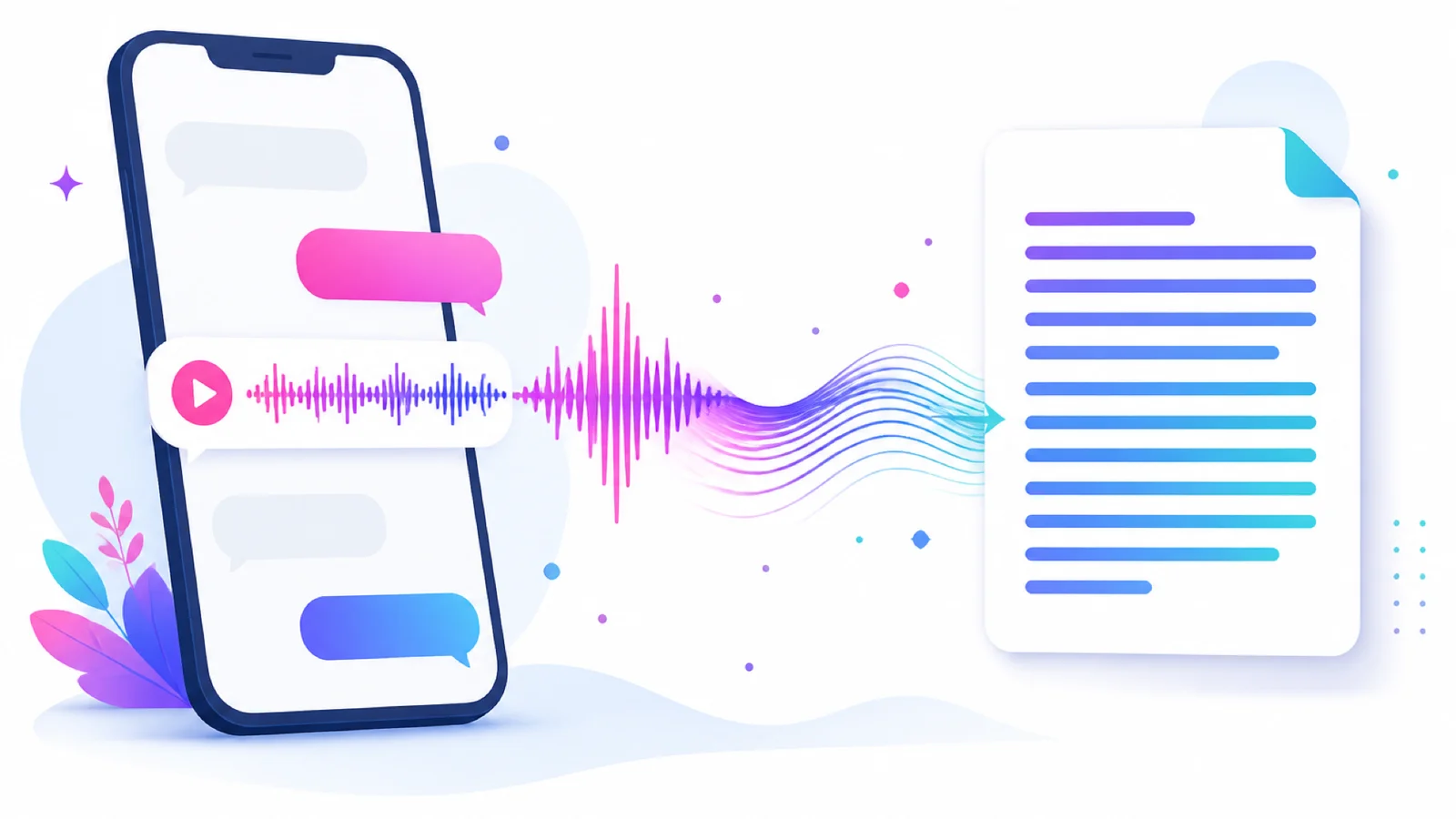
How to Convert LINE Voice Messages to Text: A 3-Step Transcript Guide
Forward a LINE voice message to the AIMochi official account and get a full transcript plus an AI summary in seconds. 99 languages, no app to install.
Read more