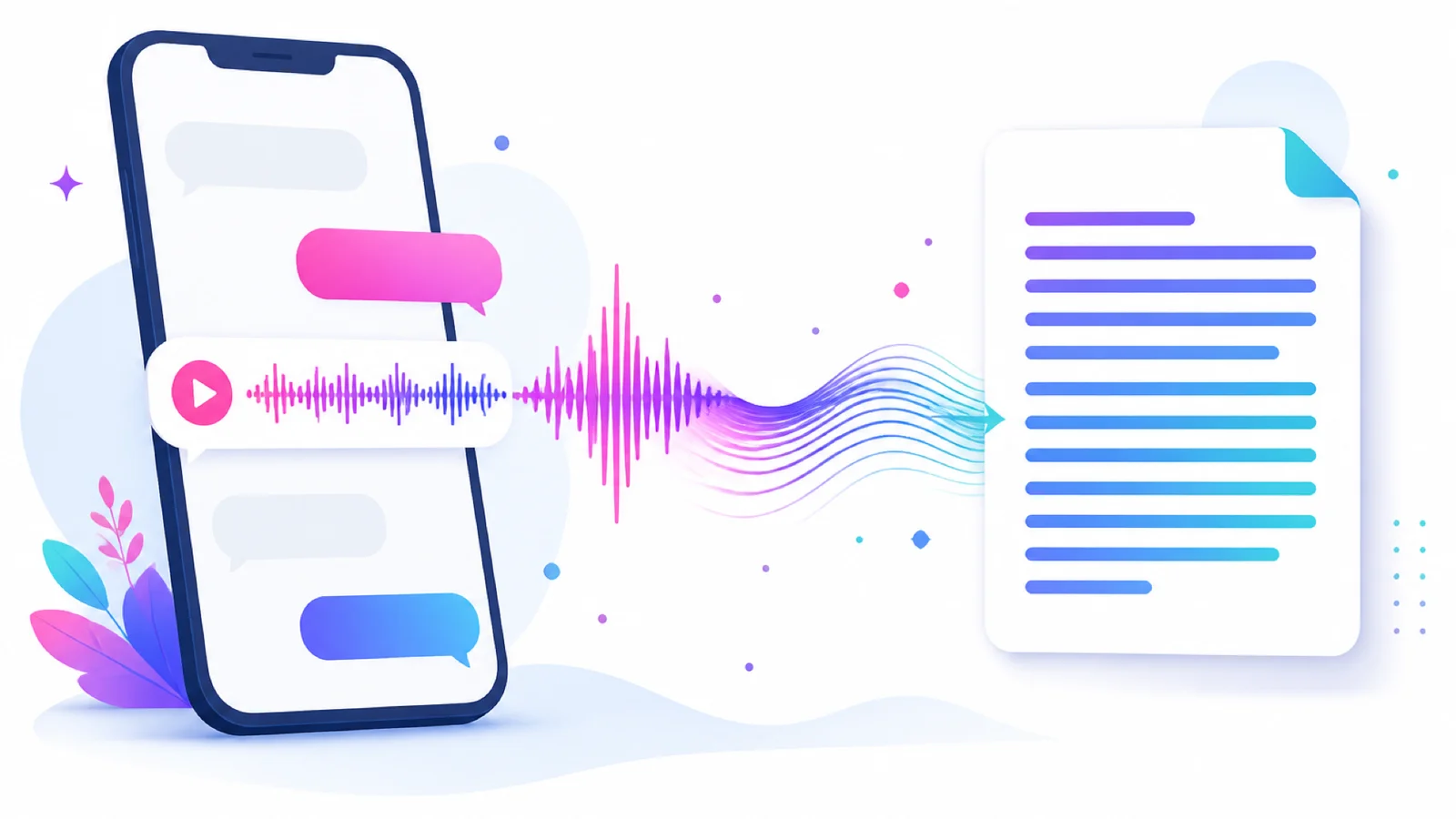
How to Convert LINE Voice Messages to Text: A 3-Step Transcript Guide
Got a long LINE voice message you can't listen to right now? You don't need to install anything — just forward the voice message to the AIMochi official account and you'll have a full transcript and a key-point summary within seconds. AIMochi supports speech recognition in more than 99 languages, covering Chinese, English, Japanese, Korean and Southeast Asian languages, and adding it as a friend gives you 3,000 free points every month, so you can start right away.
Why turn LINE voice messages into text?
Voice messages are easy to send but often a burden to receive: you can't play them in a meeting, long ones are hard to review, and finding one specific detail afterwards usually means replaying them one by one. Once they are text, you can skim the key points, copy and forward them, search by keyword, and keep them as meeting or work records.
3 steps to convert LINE voice to text
Step 1: Add the AIMochi official account. Search for @aimochi in LINE and add it as a friend — you'll receive 3,000 free points every month.
Step 2: Forward the voice message. Press and hold the LINE voice message you want transcribed, choose "Forward", and send it to the AIMochi official account. You can also record directly in the chat, or upload an audio file from your phone (common formats such as MP3, WAV, M4A and AAC are supported).
Step 3: Get your transcript and summary. AIMochi transcribes the audio automatically and returns the full transcript; for conversations with several people it also labels the speakers (up to 10 speakers can be identified). From there, one tap generates a key-point summary or a to-do list, or translates the text into another language.
Frequently asked questions
Q: Does LINE voice-to-text cost anything?
Adding AIMochi as a friend gives you 3,000 free points every month, which is more than enough for everyday voice messages; heavy users can upgrade to the Basic plan at NT$299 per month (18,000 points). See the points guide for details.
Q: Can it recognise Chinese mixed with English?
Yes. AIMochi supports more than 99 languages and correctly recognises everyday code-switching between Chinese and English, as well as technical terms.
Q: Could my audio leak?
All file transfers are encrypted, only you can access your notes, and encrypted links let you control exactly who you share them with. See our privacy policy, or the AIMochi FAQ for more answers.
Conclusion
The fastest way to turn a LINE voice message into text is a tool that lives inside LINE itself: AIMochi needs no installation and no sign-up — forward a voice message and get a transcript back, complete with speaker labels and an AI summary. Add the AIMochi official account now, or read the full tutorial.