LINE Voice Messages Too Long to Listen To? The Fastest Way to Read Them as Text
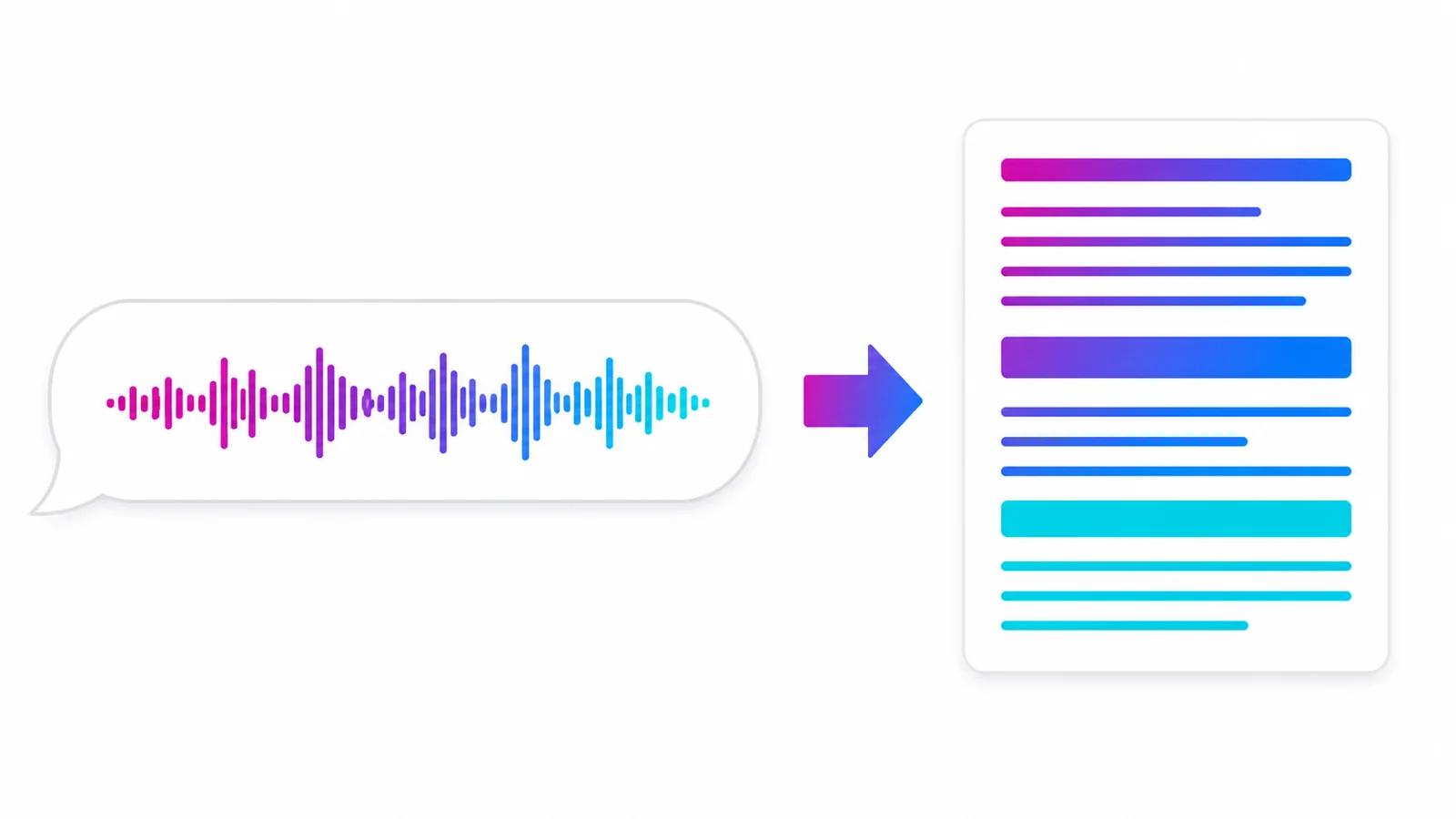
When you receive a LINE voice message that is too long or too muffled, the fastest way to deal with it is to forward it to the AIMochi official account: the audio comes back to your chat as readable, searchable text, and you can generate a summary on top — no more replaying it over and over.
Why voice messages are such a burden
Voice messages are convenient for the sender and a burden for the receiver: you can't skim audio — a three-minute message costs a full three minutes; it's hard to search like text — a week later, finding that address usually means replaying message after message; and it depends on where you are — in a meeting or on the train, playing audio isn't an option. Turning it into text fixes all three.
How to do it: just forward
Long-press the voice message → forward it to the AIMochi official account. That's it. The system detects the language automatically (more than 99 languages are supported, and recordings that mix Chinese with English or Japanese still transcribe), sends the text back to your chat, and can generate a summary if you want just the key points.
If the other person sent an audio file rather than a voice message, forward it the same way — MP3, WAV, M4A and AAC are supported — or type /upload in LINE on desktop. Details in the LINE voice-to-text guide.
Where this helps most
Long voice messages from elders: skim the text once, know the point, reply faster.
Clients dictating requirements by voice: before storing or uploading, make sure you have a proper legal basis for collecting and using the data of every identifiable speaker in the recording and have given any required notice; where the conditions are met, keep both the original audio and the text so you can verify later. For personal data or contractual content, follow applicable law and your company's rules.
Noisy recordings: text is easier to make out than repeated replays — double-check names and numbers.
Foreign-language messages: convert to text first, then translate; you don't need to understand the audio before you can act on it.
How many points does it cost
Voice-to-text costs 10 points per minute of audio, plus 1 point per recorded event — a 3-minute voice message is about 31 points. The 3,000 free points each month cover roughly 300 minutes of audio; whether that is enough depends on your message volume and what other features you use. See the points guide.
FAQ
Q: Is the text accurate?
Spot-check the transcript against the original audio, prioritising names, company names, specialist terms and numbers.
Q: How long does it take?
Processing takes roughly one sixth of the audio length, so a voice message of a few minutes usually comes back quickly.
Q: Can I search things I converted before?
Yes. Type "查詢筆記" (search notes) in LINE to look them up; tapping a note title opens the web editor.
Conclusion
Voice messages aren't going away — but you no longer have to process them by listening. Add the AIMochi official account and forward the next long voice message straight over; for a fuller picture of transcripts, read the complete transcript guide.