What Are AI Notes? How to Choose an AI Note App and How to Use One
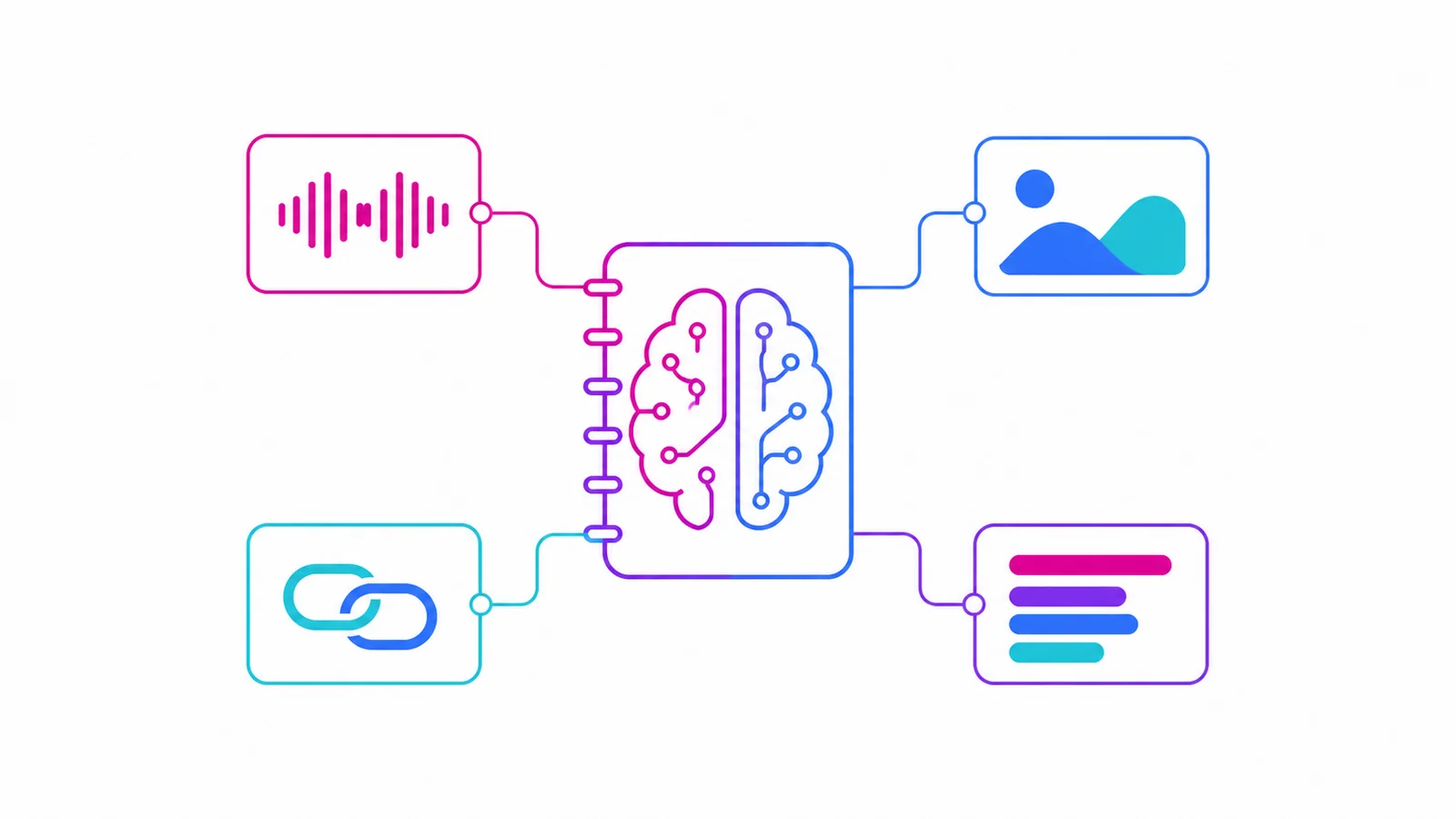
AI notes are notes that an AI helps both create and organise. You send in audio, text, an image or a link; the system turns it into text, pulls out the key points, tags it, and afterwards you can ask questions about those notes in plain language. The difference from a traditional note app is simple: a note app stores things, AI notes store them and read them back for you. AIMochi is an AI note assistant you use directly inside LINE, and adding it gives you 3,000 free points every month.
How AI notes differ from a note app
The bottleneck in note-taking was never the taking. It is that afterwards you cannot find anything, and you do not want to reread it. AI notes fill that gap at three points:
Input: no typing. Record a voice message, take a photo, paste a link — it becomes editable text.
Organisation: summaries, sections, speaker labels and tags are generated for you, so you do not have to highlight a long meeting yourself.
Retrieval: you ask a question — "what was the quote we discussed with the client" — instead of digging through folders.
Five things AI notes do
1. Voice to text: meetings, interviews and lectures become transcripts. AIMochi supports more than 99 languages, including Chinese, English, Japanese, Korean and Southeast Asian languages.
2. Speaker identification: up to 10 speakers are separated by voiceprint and labelled A, B, C, which is what makes a multi-person meeting readable.
3. Summaries and rewriting: Anthropic's Claude model is built in, so one note can become minutes, a press release, a social post — more than ten formats.
4. Smart search and Q&A: ask your notes directly, find similar notes, and turn past records into something you can query.
5. Encrypted sharing: share a note with specific people, with file download and copying supported and document transfers encrypted.
Five criteria for choosing an AI note app
1. How it handles your language, including mixed-language speech. Support for a language is often added late, and results vary widely with accents and local usage. Test with one of your own recordings rather than trusting a demo.
2. How little friction the input has. Another app to open, another account to register, another export-and-upload step — each one makes it less likely you will still be using it in a month. Something that runs where you already are, like LINE, tends to survive.
3. Whether it separates speakers. Without speaker labels, a transcript of three or more people is hard to make sense of.
4. Whether the pricing is legible. Per-minute or per-point, is there a free tier, does the quota expire — confirm all three. Plans and prices change, so check each vendor's own site.
5. Data handling. Encrypted transfer, deletion, on-premise options. When client records or medical content are involved, this outranks the feature list.
Taking AI notes inside LINE
AIMochi runs the whole flow inside LINE, with nothing to install. Add @aimochi, then record a voice message or send a file and it is transcribed and organised into a note; processing takes roughly one sixth of the audio length, so an hour of recording comes back in about 10 minutes. On LINE for desktop, /upload sends a file; app.aimochi.ai works too. To find something later, type "查詢筆記" in LINE or use the menu button, then tap a title to edit it on the web. Transcripts export as one sentence per line, merged paragraphs or a subtitle file.
On cost: 1 point per recorded item, 10 points per minute of transcription, 3 points per image parsed. The free plan is 3,000 points a month; Basic is NT$299 for 18,000 points (about 1,800 minutes); Team is NT$899 for 5 seats and 60,000 points (about 6,000 minutes), roughly NT$180 per seat. Regular points reset at the start of the next billing cycle, counted from your activation date, and referrals add 200 long-term points that the reset does not touch. See the points guide and the tutorial, or the voice-to-text on LINE page.
Who gets the most out of it
Students: record the lecture, revise from the summary, ask the note questions before an exam.
Journalists and researchers: high interview volume, needing traceable wording and fast retrieval.
Consultants and sales: client meetings that have to turn into a written record the same day.
PMs and managers: cross-team decisions and action items that need to be searchable and shareable.
FAQ
Can AI notes replace taking notes myself?
Not entirely. The AI handles the complete record and a first pass at organising it; deciding what matters and what happens next is still yours. The point is to move your effort from transcribing to deciding.
Is the content secure?
AIMochi encrypts note sharing and document transfers, and organisations with stricter requirements can ask about an on-premise deployment. Whatever tool you use, read its privacy policy first.
Is the free quota enough?
3,000 points a month covers about 300 minutes of audio. Whether that is enough depends on how long your meetings are and what else you use; if you are approaching 300 minutes a month, the 18,000-point Basic plan is worth a look.
Conclusion
The value of AI notes is not that they type for you. It is that everything you have said, seen and saved becomes something you can query — a second brain you can actually search. When choosing, weigh language performance, input friction and pricing transparency, then test for a week with your own material. Add the AIMochi official account and turn your next meeting into a note you can ask questions about.